# Our Documentation in Other Languages
Read the SIR documentation in other languages
# Translate page from browser
Welcome to the SIR (Service Informatique et Réseaux, or IT and Networking Department in french) Documentation. For the moment, the pages in this documentation are only in french. So, if you have troubles reading it, we advice you to use the translator from your browser. Chances are that if you are using a Chrome-based browser, Safari, Edge or Firefox (up-to-date), the option is already available by default, so you can find the translate icon  in the address/toolbar. Select your preferred language and translate:
[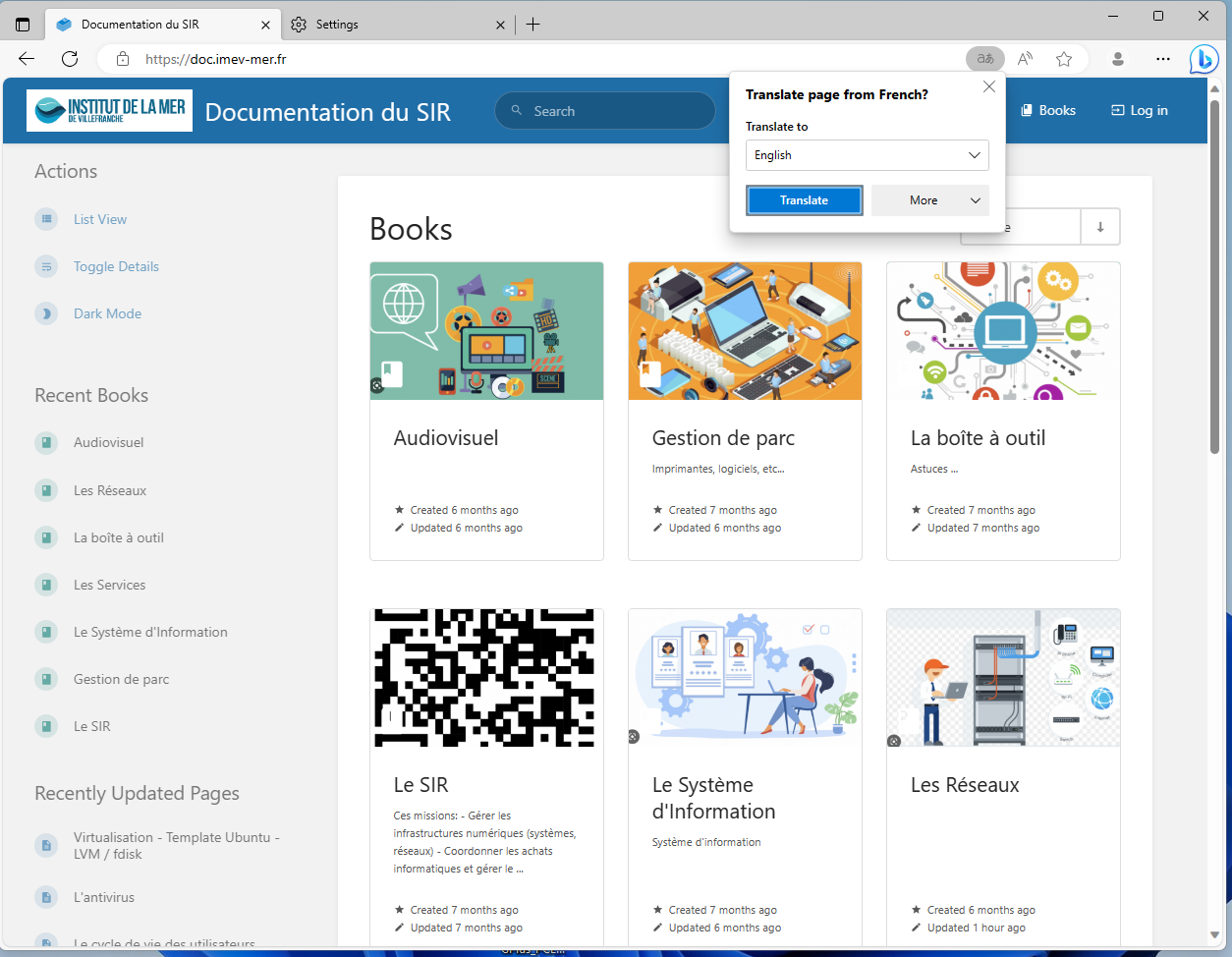](https://doc.imev-mer.fr/uploads/images/gallery/2023-09/translate-edge.png)
If you use a different browser or you have any troubles finding the proper extension, don't hesitate to contact us.